Is Website Screenshot free, and do I need an account?+
Yes. The online screenshot and HTML conversion tools are free to use, with no registration or installation required.
Can I convert a complete HTML document to PNG?+
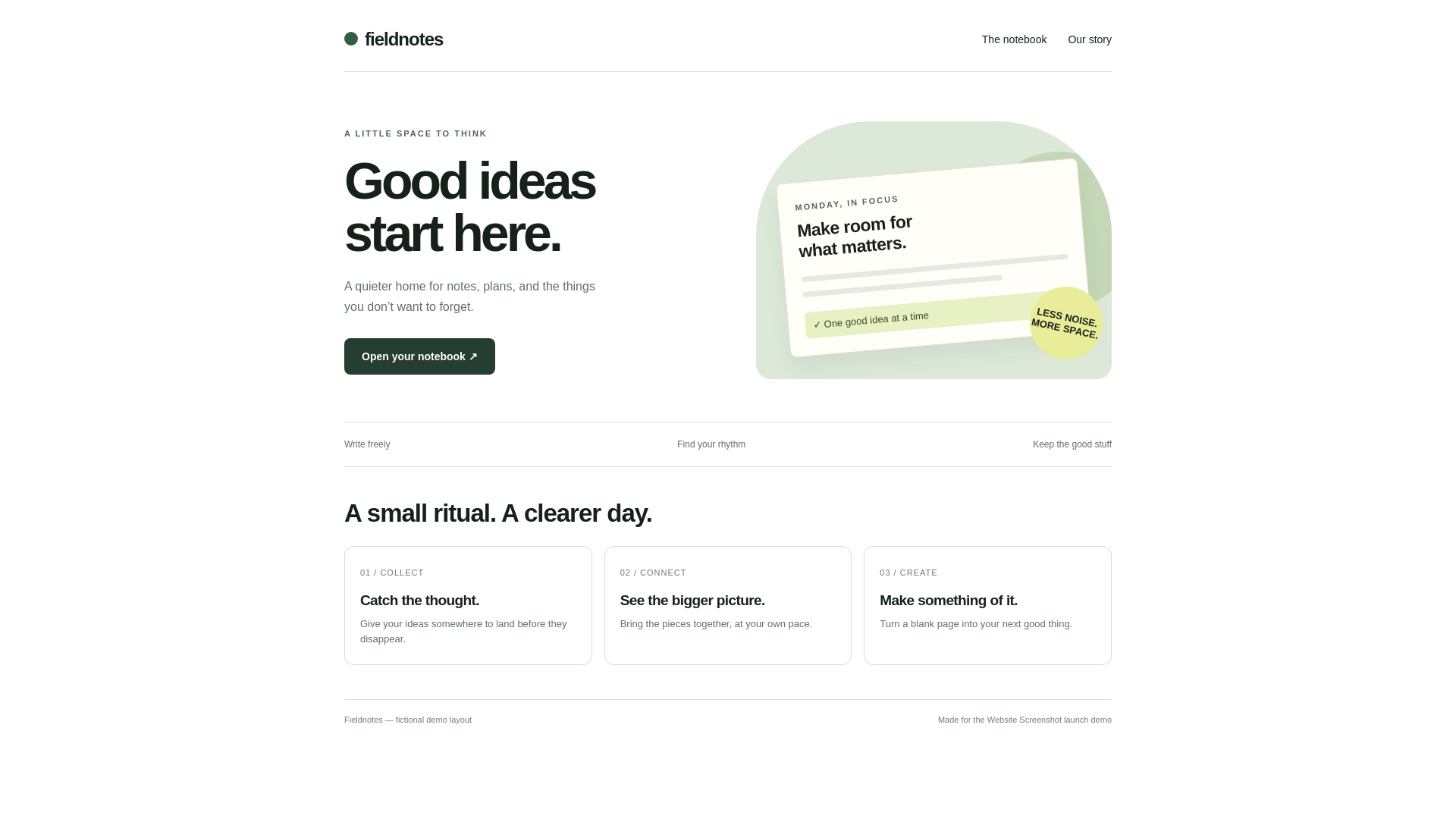
Yes. Paste the complete document into HTML, including its style blocks. Leave the CSS field empty when no extra styles are needed, select PNG, and convert. The worked example provides the source and the actual PNG.
What happens if I also add CSS in the separate field?+
The document’s embedded styles are preserved and the extra CSS is appended after them. Normal CSS specificity and source order determine which rule wins.
Can I upload a saved HTML file?+
Yes. Use File upload for the HTML file. Referenced local images, fonts, and stylesheets are not automatically bundled; embed them or use publicly accessible absolute URLs.
Why can fonts or images look different in the export?+
The remote renderer must load each resource. Local paths, access restrictions, failed requests, or late-loading fonts can change the output. The editor preview is scaled; compare the downloaded original.
Does this test how an email looks in Gmail or Outlook?+
No. It is a browser rendering, not an email-client compatibility test. Email clients and physical devices may render the same HTML differently.
Which formats can I choose?+
The tool offers PNG, JPG, WebP, and PDF. PNG is lossless and useful for text and interface detail. A PNG is static and does not preserve interactive links or forms.